

 Q2
Q2
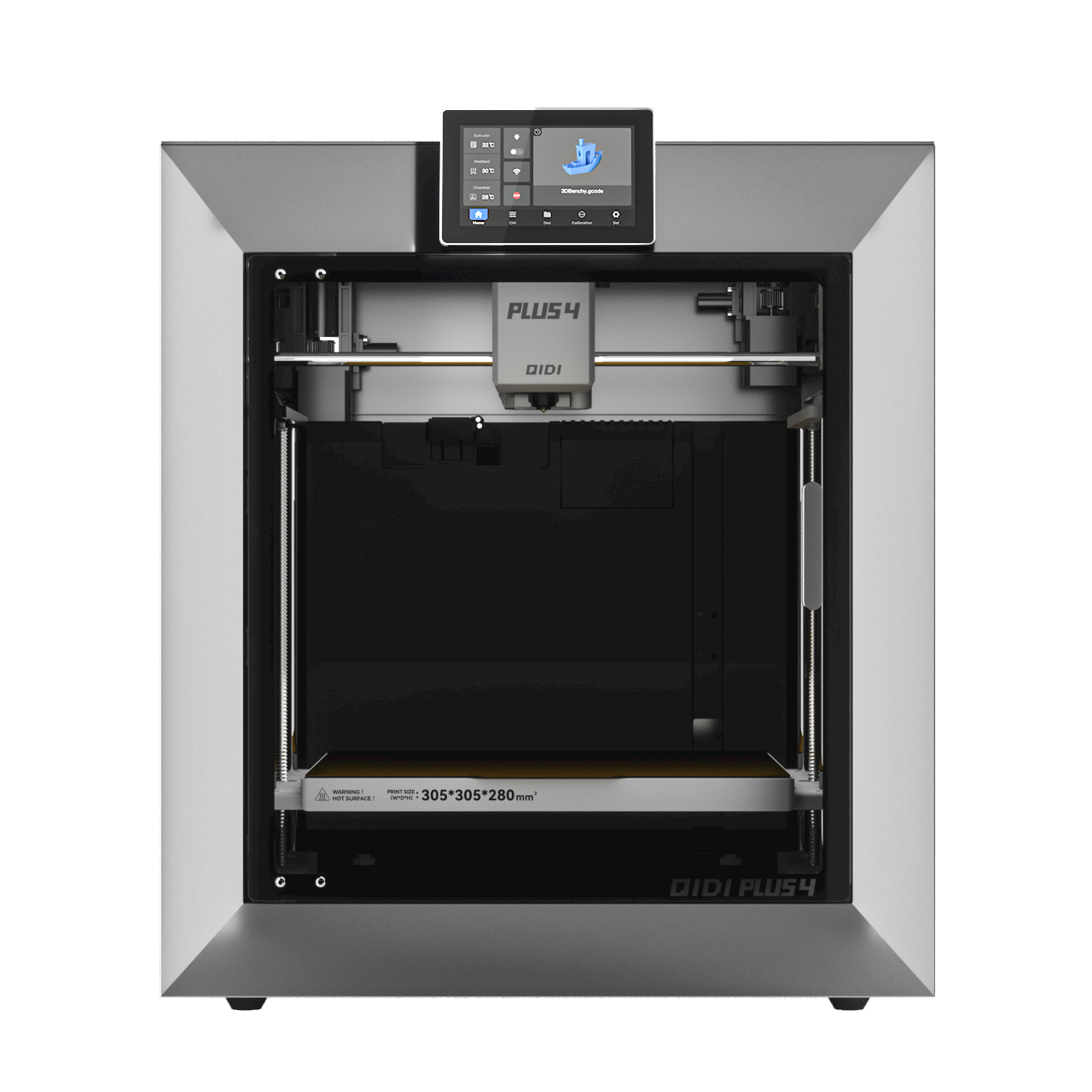 Plus 4
 QIDI Box
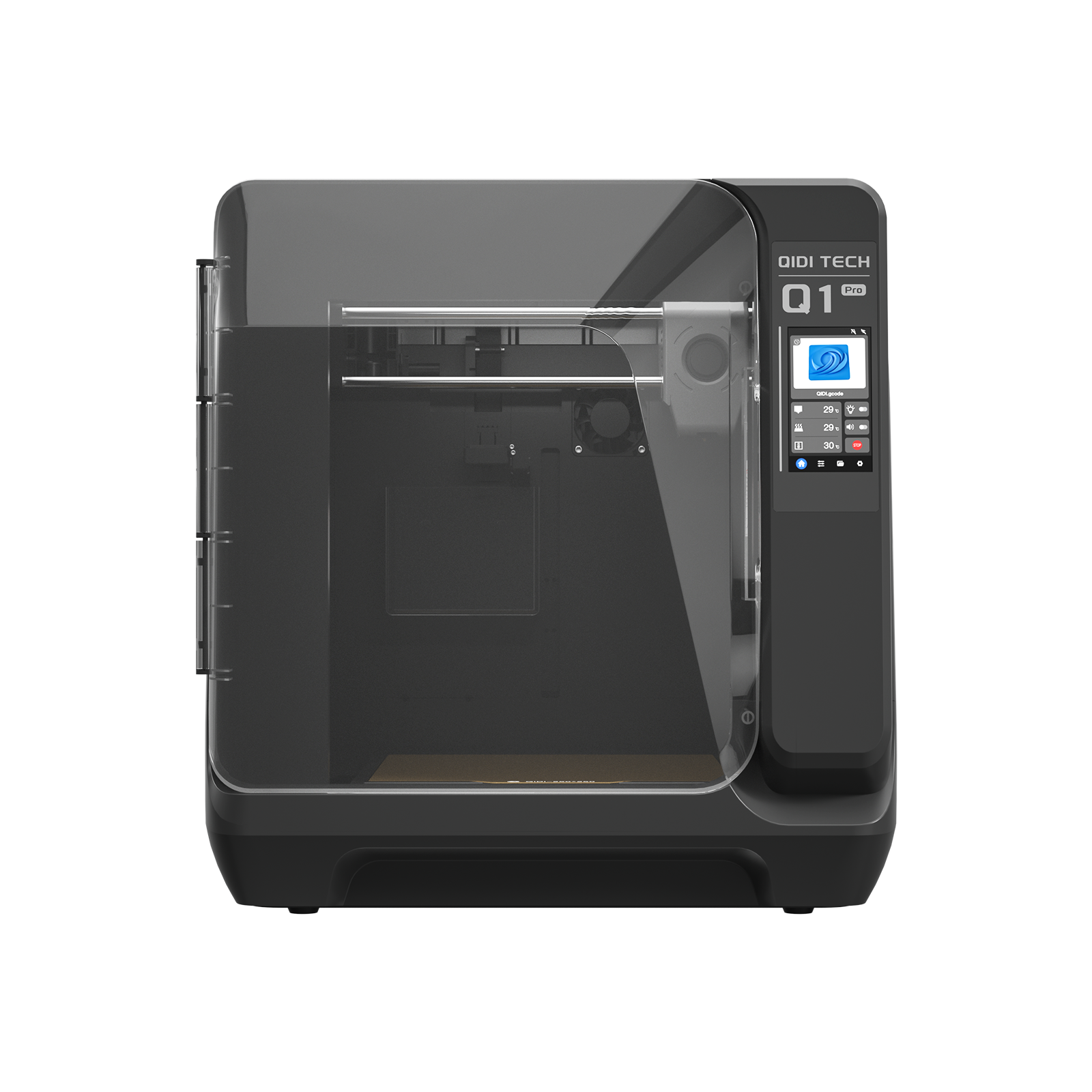 Q1 Pro
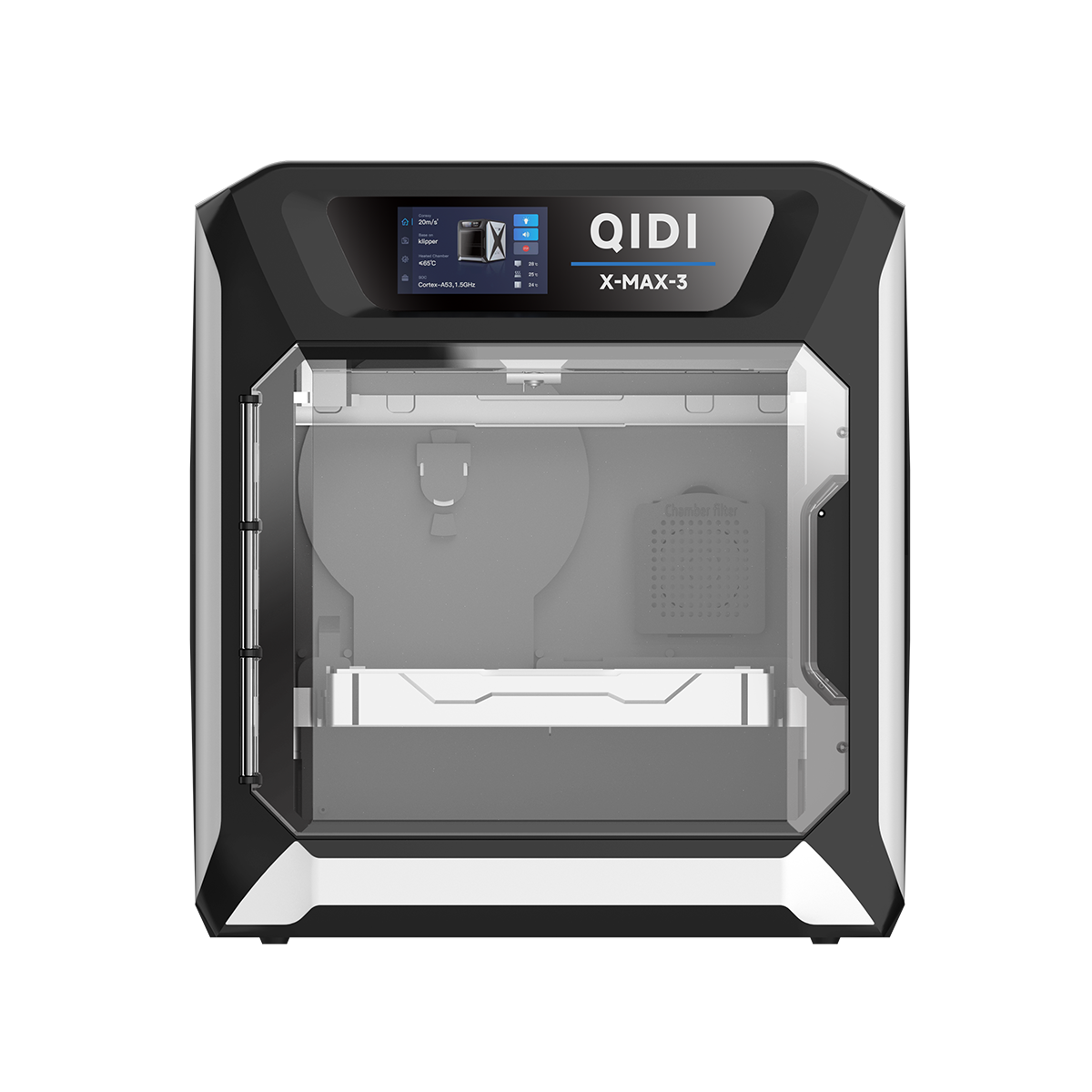 X-Max 3


QIDI-Max4-FAQ
Frequently Asked Questions For QIDI Max4
How much space does the printer require?
The QIDI Max4 has an external size of 558x578x612 mm. And the shipping dimensions is 700x710x750mm.
We recommend leaving additional clearance at the back, sides, and top of the printer. This extra space makes it easier to change filament and ensures proper ventilation and cooling during operation.
We recommend leaving additional clearance at the back, sides, and top of the printer. This extra space makes it easier to change filament and ensures proper ventilation and cooling during operation.
Does the Max4 support multi-color printing?
Yes. When paired with the QIDI Box multi-color unit, the Max4 supports multi-material and multi-color printing.
How can I connect the printer?
The QIDI Max4 offers flexible connection options:
• QIDI Cloud: Connect to the QIDI cloud server for remote monitoring and control.
• Wi-Fi: Supports 2.4GHz/5GHz networks.
• Ethernet (LAN): Connect via a wired network port for stable remote control within your local network.
• Offline Printing: Use a USB drive to load your files and print completely offline.
• QIDI Cloud: Connect to the QIDI cloud server for remote monitoring and control.
• Wi-Fi: Supports 2.4GHz/5GHz networks.
• Ethernet (LAN): Connect via a wired network port for stable remote control within your local network.
• Offline Printing: Use a USB drive to load your files and print completely offline.
Can the Max4 print flexible filaments like TPU?
Yes. The Max4 can print TPU/TPE with a recommended hardness of 95A. For materials softer than 85A, print quality may be affected.
Due to the flexible nature of TPU filaments, there are some operational issues that can arise during feeding and printing. To facilitate TPU printing, we have created a dedicated Wiki guide. Simply follow the instructions in the Wiki to successfully print with TPU filaments:TPU printing guide
Due to the flexible nature of TPU filaments, there are some operational issues that can arise during feeding and printing. To facilitate TPU printing, we have created a dedicated Wiki guide. Simply follow the instructions in the Wiki to successfully print with TPU filaments:TPU printing guide
Which slicers are compatible with the Max4?
We recommend using QIDI Studio for the best compatibility and optimized profiles. However, since the QIDI Max4 runs on Klipper firmware, it is also fully compatible with popular third-party slicers such as OrcaSlicer and PrusaSlicer.
The printer supports multiple file formats, including STL, OBJ, 3MF, and STEP/STP.
The printer supports multiple file formats, including STL, OBJ, 3MF, and STEP/STP.
What materials can it print with?
The QIDI Max4 supports a wide range of materials, including PLA, PETG, ABS, ASA, TPU, PA, PC and PPS-CF and other carbon fiber composite materials. Its 370°C high-temp nozzle and 65°C heated chamber ensure reliable printing with both standard and engineering-grade materials, giving you maximum creative freedom.
What advantages does the QIDI Max4 have compared to other 3D printers?
The QIDI Max4 stands out with its industry-leading high-temperature performance, massive build volume, and precision-engineered structure. Featuring a 370°C hotend, actively heated chamber, independent extruder cooler(Optional) and ultra-rigid motion system, it prints advanced engineering materials—such as Nylon, CF composites, ASA, and PC—with exceptional strength and reliability.
Unlike standard desktop printers, the Max4 delivers industrial-grade stability, uniform heat distribution(chamber and build bed), and consistent results on large-format prints. Whether for rapid prototyping, functional parts, or small-batch production, the Max4 provides faster workflow, higher success rates, and unmatched material versatility—making it a true high-performance flagship in its class.
Unlike standard desktop printers, the Max4 delivers industrial-grade stability, uniform heat distribution(chamber and build bed), and consistent results on large-format prints. Whether for rapid prototyping, functional parts, or small-batch production, the Max4 provides faster workflow, higher success rates, and unmatched material versatility—making it a true high-performance flagship in its class.
What is the maximum print speed?
The QIDI Max4’s tool head can move at up to 800 mm/s with a maximum acceleration of 30,000 mm/s². In practice, print speeds depend on the material and nozzle flow rate—high-speed PLA and ABS typically print around 30mm³/s. QIDI will also release a high-flow nozzle in the future to support even faster printing, so stay tuned!
With the Polar Cooler installed, can chamber heating be enabled for all materials?
In most cases, yes. However, please note the following points:
(1)A higher chamber temperature can reduce part cooling efficiency, which may negatively affect overhang and bridging performance.
(2)The chamber temperature should be set to approximately 10°C below the filament’s softening temperature to prevent the filament from softening prematurely. Excessive chamber heat may impact extrusion and retraction performance and could increase the risk of nozzle clogging.
For example, when printing PLA, it is recommended not to set the chamber temperature above 45°C.
(1)A higher chamber temperature can reduce part cooling efficiency, which may negatively affect overhang and bridging performance.
(2)The chamber temperature should be set to approximately 10°C below the filament’s softening temperature to prevent the filament from softening prematurely. Excessive chamber heat may impact extrusion and retraction performance and could increase the risk of nozzle clogging.
For example, when printing PLA, it is recommended not to set the chamber temperature above 45°C.

